

CREATE statement opens in a tab.
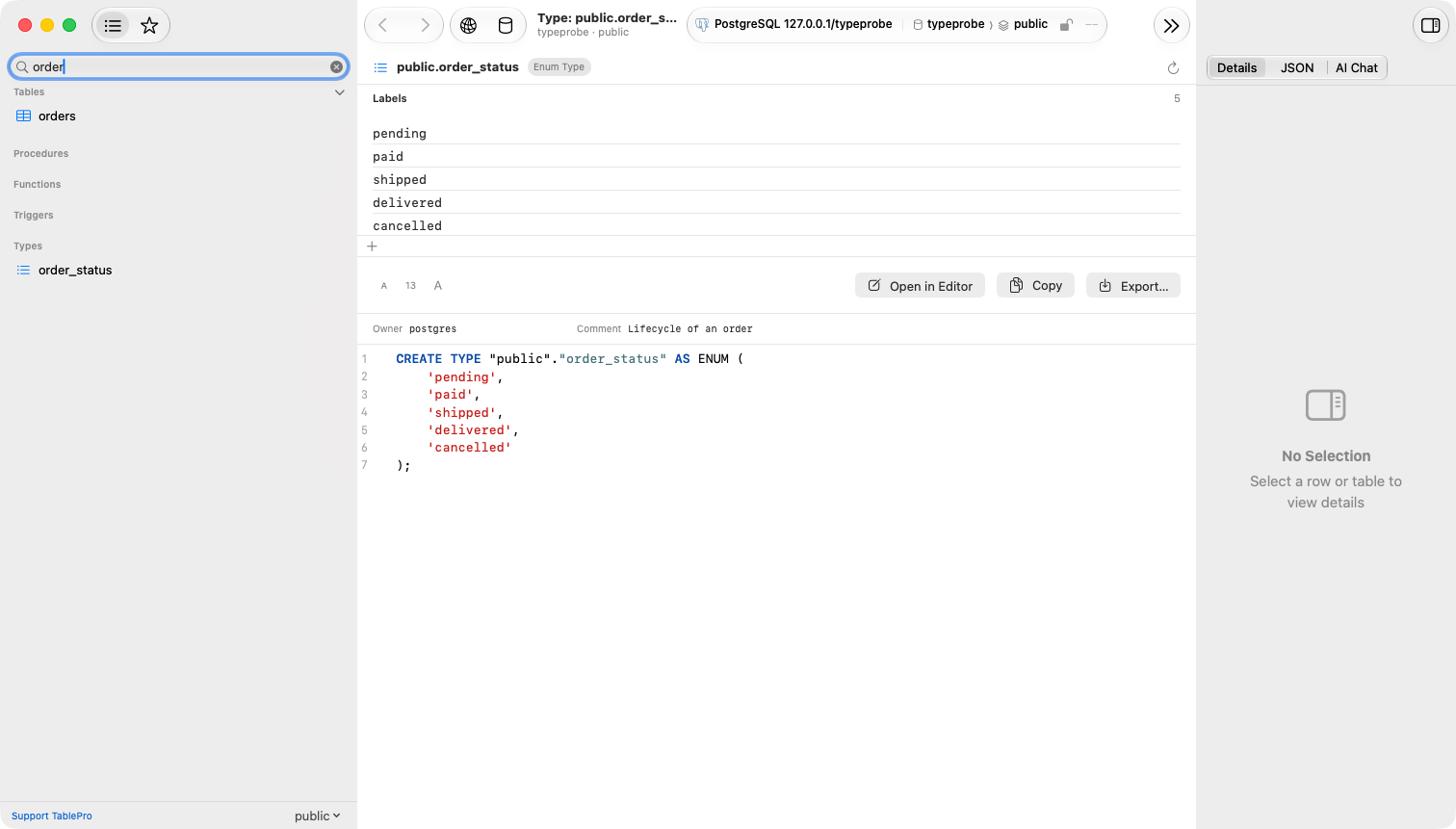
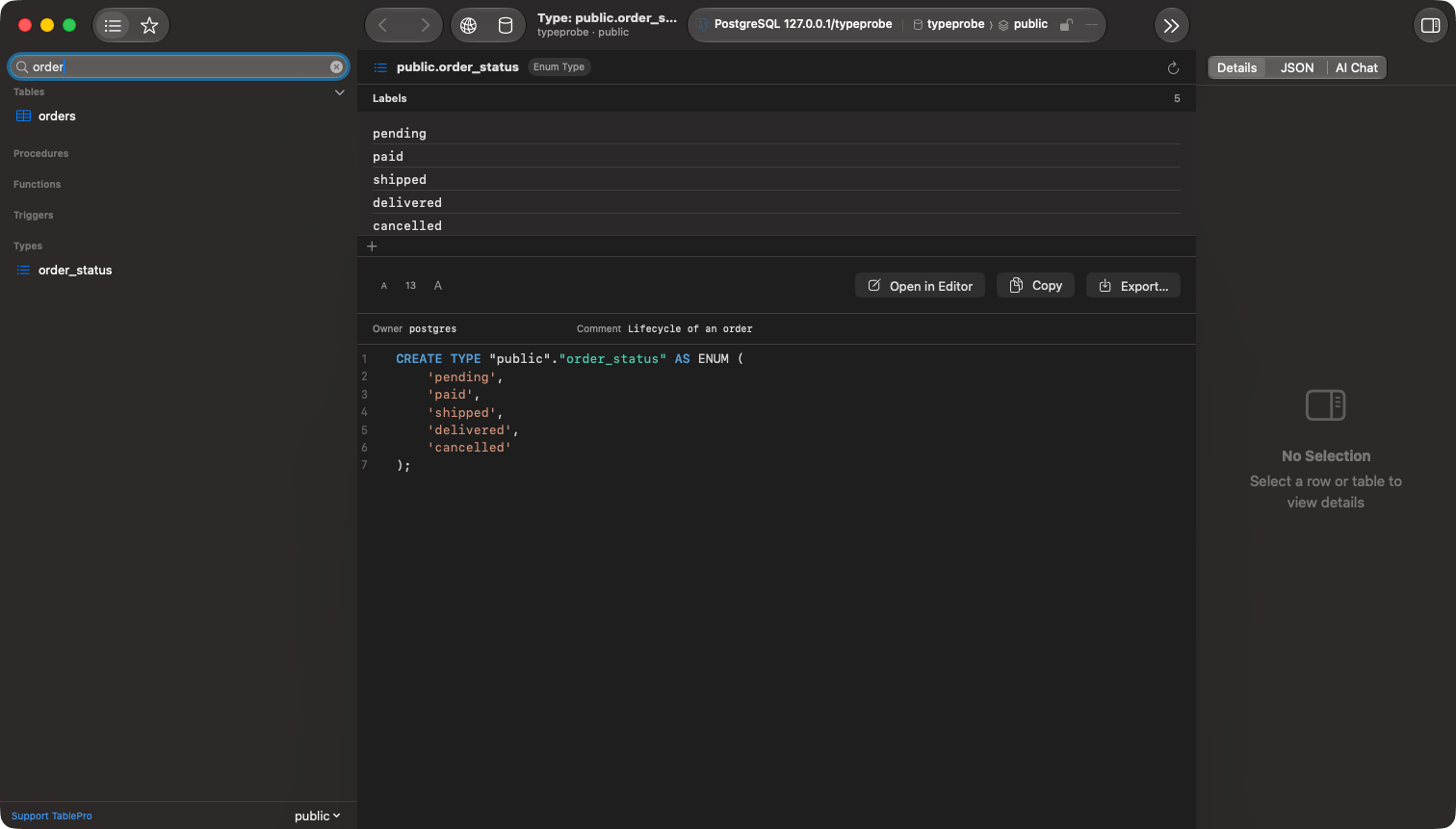
An enum open from the Types section, its labels listed above the definition
Engine support
A table’s own row type, the array type created beside every type, the multirange created beside every range, and any type an extension installed are left out. A type in another schema is listed under that schema. On SQL Server the built-in types are left out too, so the section holds only what the database declares.
Reading a definition
The definition is rebuilt from the catalog rather than read back as typed: comments inside the original statement are gone, names are quoted, and a domain’s constraints appear in name order. The tab carries the same toolbar as a routine’s source, Copy, Export…, Open in Editor and Reload, and beside the statement sit the properties the catalog reports: a domain’s base type, a range’s subtype, the owner, and the comment. Hover a row in the sidebar for the same facts without opening it: an enum’s labels, a composite’s fields, a domain’s base type. On SQL Server nothing is stored to read back at all, because a type has nosys.sql_modules row. A table type’s statement is rebuilt from its columns and indexes, keeping identity, defaults, computed columns, inline indexes and any collation that differs from the database’s; an alias type’s is rebuilt from its base type and nullability. A CLR type names the assembly it came from, since its body is compiled .NET rather than T-SQL.
A SQL Server table type is a table-valued parameter and cannot declare a column, so it is left out of the column type picker. Alias types appear there.
Editing an enum’s labels
An enum’s labels are listed above its definition in the order the server keeps them. Each edit runs as oneALTER TYPE statement the moment it is committed, on a connection of its own rather than inside a transaction open in a query tab; there is nothing to save afterwards, and the statement lands in the query history.
1
Add a label
Click + under the list to append one, or right-click a label and choose Add Label Before… or Add Label After… to place it. Type the label and press Return. Escape discards it.
2
Rename a label
Double-click a label, or right-click it and choose Rename…, edit it and press Return.
Renaming needs PostgreSQL 10 or later. On an older server the Rename… item is absent and a double-click does nothing.
What cannot change
PostgreSQL has no statement that removes a label or moves an existing one. To drop a label, create a new type without it, switch every column over, and drop the old type; Open in Editor puts the current definition in a query tab as the starting point.Creating a type
Right-click the Types section and choose New Type…. A query tab opens with aCREATE TYPE … AS ENUM template addressed to that schema. Edit it, run it, then choose Refresh on the section.
Using a type in a column
In a table’s Structure tab, the column type picker opens with a User-Defined group listing the database’s types ahead of the engine’s. Every entry is schema-qualified and quoted where the name needs it,sales.status or app."Order Status", so the column definition names the type and never a built-in of the same name. See Table Structure.
Finding a type
The sidebar filter matches a type by name. File > Open Quickly… (Cmd+Shift+O) indexes types alongside tables, routines and triggers, and choosing one opens its definition.